Buyer’s guide
Best IPTV app: the players that open your login on each screen
The best IPTV app is the player that opens your login on the screen you really watch, shows the programme guide on Irish time and plays catch-up without a fight. Below, each kind of screen in an Irish home gets its players, then a side-by-side table, a way to choose and a list of copycats to leave in the store. We sell Verdict plans, not apps, so no download here earns us a cent.
Player and plan: who does which job
Think of a player as a set of empty shelves. It can draw a channel list, a guide grid and a video window, but nothing appears on them until a login fills them. The channels, the film and series library and the guide data all come from the plan; the app decides how they look and how quickly the remote gets you round them.
Your login message opens a player in either of two ways. The Xtream Codes trio, a username plus a password plus the server’s URL, hands the app everything at once: channel groups, films, series, the programme guide and catch-up. The M3U link packs the channel list into a single long address; bare-bones players such as VLC like it, though the guide must then come from its XMLTV link, pasted separately. Our guide to M3U links and Xtream Codes logins explains when each route is the better one.
That split matters when you judge an app. If the guide is an hour out, the groups look jumbled or scrolling stutters, the cause is often the player rather than the plan, and switching player costs ten minutes and the same three details. In other words, the best IPTV app is partly a matter of taste, and you are free to change your mind.
Getting from the message to a picture on each screen is the job of the setup page for every screen; this guide is about picking the app before you get there.
Android TV and Google TV: the widest choice
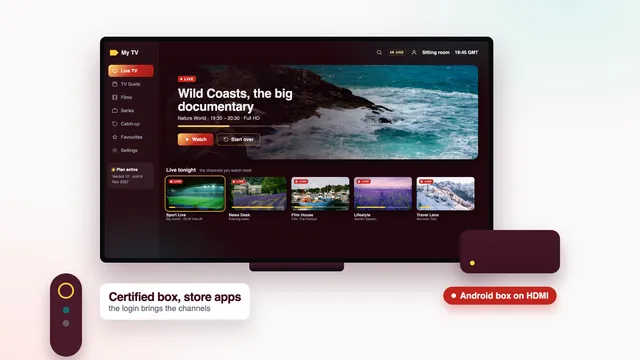
Televisions and boxes running Android TV or Google TV take their apps from Google Play, which gives them more players than any other screen in the house.
IPTV Smarters Pro
The ‘Smarters Pro’ app comes from Tech Smarters Private Limited, and installing costs nothing; a paid Premium upgrade sits inside the app, priced differently from store to store. On first launch it asks which kind of login you have: pick Xtream Codes, call the profile whatever you like (‘Sitting room’ works), and enter the three details from your message. Its home screen then splits into tiles for live channels, films, series and catch-up.
TiviMate
Built for the television rather than the phone, TiviMate lays its guide out like the grid on a cable box, channels in a column on the left and the evening’s hours running across, which many people find the quickest way to see what’s on. The app is free to install and sells premium options on top; we give no price, because its developer sets it and changes it.
Kodi and VLC
Kodi, the free media centre, turns into a live TV player when given the ‘PVR IPTV Simple Client’ add-on along with your M3U and guide links. VLC costs nothing either and shows the M3U link as a bare list of channels: useful for seeing that streams play, though it has no guide grid at all.
Shopping for the hardware as well? The guide to Android boxes and their specs explains certification and the figures that keep a player smooth.
Fire TV sticks and the Fire TV Cube
Amazon’s devices run their own system with their own shop, the Amazon Appstore. Smarters Pro is not in it, so the player goes on with Downloader, a free app by AFTVnews that is. You give Downloader permission to install unknown apps in the developer options, then type into it the player link that comes with your login message.
For any other player you fancy, look in the Appstore first; if it is missing there, ask the team how to add it to your model.
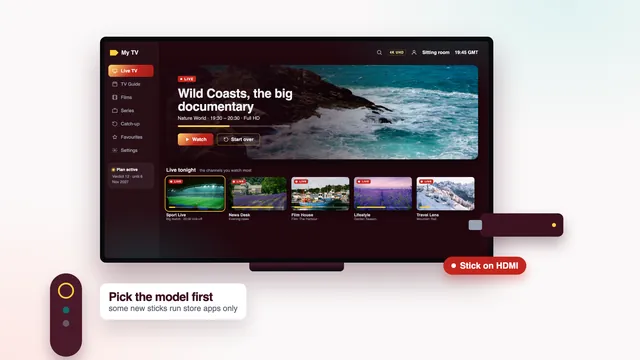
One caveat before buying a new stick: a few of Amazon’s newest sticks ship with Vega OS, a system that takes Appstore apps and nothing else, which leaves Downloader with no way to add a player. Our Fire TV stick guide compares the models, the typing with the remote and the settings for 4K.
Samsung, LG and Apple screens
Each of these has a guide of its own, so here is the short version.
Samsung televisions
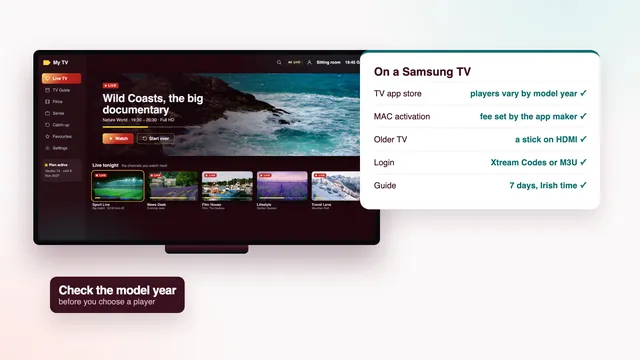
Whether Smarters Pro is offered in the Samsung store varies from one model to the next, and with the country chosen when the TV was first set up. When it is absent, most owners turn to Smart IPTV or IBO Player. Smart IPTV wants a single activation per set; you then push the playlist to it from the app’s website, which finds the TV by its MAC address. The Samsung TV guide goes through model years and what to do when no player appears.
LG televisions
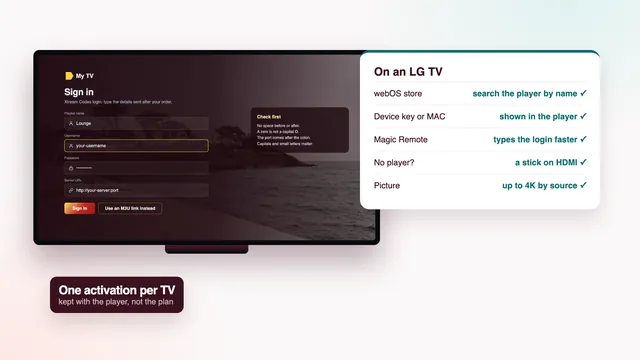
LG sets on webOS follow a similar pattern: Smarters Pro on some models, Smart IPTV or IBO Player on the rest. IBO Player binds the playlist to the TV’s own identifier, its MAC address or a device key, and its maker sets the activation fee, yearly or lifetime. See the LG TV guide for activation step by step.
Apple TV, iPhone and iPad
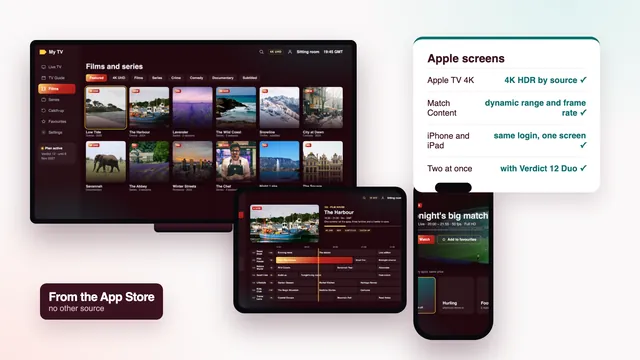
Apple hardware takes apps from its App Store and nowhere else; Smarters Pro is listed there for iPhone, iPad and Apple TV. An Apple TV 4K has two switches worth flipping, Match Dynamic Range and Match Frame Rate, found in Settings › Video and Audio › Match Content; with both on, 4K HDR films and 50-frame sport arrive on the TV as the source made them. The Apple TV and iPhone guide covers paid players and viewing on the move.
Sets older than roughly 2018 may never see current player versions. Rather than waiting on an update that is not coming, give that TV a streaming stick or an Android box through a free HDMI socket.
PC and Mac
A computer is the easiest place to confirm that a login plays before you wrestle with a TV remote. In VLC, free on Windows, Mac and Linux, pick the option to open a network stream, paste the M3U link from your message, and the channels fill the playlist panel. There is no guide grid, but within a minute you know whether the streams run on your line.
If you want a guide grid on a computer, Kodi runs on Windows and macOS with that same Simple Client add-on, and a Mac with Apple silicon takes the App Store edition of Smarters Pro.
The best IPTV app for you, player by player
The table sums up each player at the time of writing. Features change with each version and differ between stores, so read the listing on your own device before paying for extras.
| Player | Runs on | Cost | Programme guide | Catch-up | Split-screen view |
|---|---|---|---|---|---|
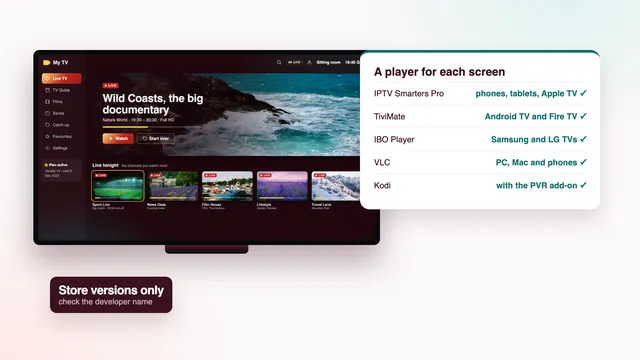
| IPTV Smarters Pro | Google Play: Android TV, Google TV, phones, tablets. App Store: iPhone, iPad, Apple TV, Apple-silicon Macs. Fire TV: by Downloader | No charge to install; Premium extras in the app, priced per store | Yes, loads with the Xtream login | Yes, where a channel keeps an archive | Some versions |
| TiviMate | Android TV, Google TV, Fire TV | Free, with paid premium options | Yes, a TV-style grid | Yes; some extras need the paid options | With the paid options |
| IBO Player | Samsung, LG and other smart TVs | Yearly or lifetime activation set by the app maker | Yes, from the guide link | Depends on the version | Depends on the version |
| Smart IPTV | Samsung, LG and some other TVs | One-off activation per TV | Yes, with the guide link | Limited | No |
| VLC | PC, Mac, Linux, Android, iPhone, iPad | Free | No guide grid | No | No |
| Kodi with PVR IPTV Simple Client | PC, Mac, Android TV, Google TV | Free | Yes, from the guide link | Yes once set up, where offered | No |
XP IPTV and other players that accept an Xtream Codes login or an M3U link work too; the table sticks to the ones most homes end up choosing between.
For most households two columns outweigh the rest. The guide column decides whether tonight’s schedule shows at the right hour, and the catch-up column decides whether you can go back to the match or the news you missed. Split-screen views, two or four channels on one TV, are a treat on a busy sports day, but each window is a stream of its own: on a one-screen plan the second window may not play, while Verdict 12 Duo allows two at once.
How to choose a player in one evening
Start from the screen you use most, not from the app with the longest feature list, and put each candidate through these questions on that screen:
- Is it in the device’s own store, from the developer you expected? Store versions update themselves; a file from a forum does not.
- Does the guide fill up and show tonight’s programmes at the right hour? When it runs sixty minutes early or late, one change to the EPG time offset cures it.
- Does catch-up appear on the channels marked for it, and does yesterday’s programme start when you press it?
- Can you reach your favourite groups in two or three presses? Most players let you hide the country groups you never open.
- Does the free version already do what you need? Pay for extras only once you know the app is staying.
Two people in one house who like different players can each keep theirs: the same login opens in any of them, one screen at a time on a single-screen plan. The best IPTV app in your house is simply the one still on the home screen next winter.
The scorecard checks a player can make or break
Five of the eight checks on our scorecard depend on the app as much as on the plan:
- Programme guide (7 days, on Irish time): the player has to read the guide and show it on Irish time; its offset setting fixes an hour’s drift.
- Catch-up (the last 7 days): only players with catch-up support show the archive, and only on channels that keep one.
- Your screens (TV apps, sticks, boxes, phones): every screen needs its own player, ideally from its own store.
- Two TVs at once (with Verdict 12 Duo): each TV runs its own player with the same login; two play together only on the two-screen plan.
- Picture on your line (HD, Full HD, 4K by source): 4K wants hardware decoding of HEVC (H.265), so look for the decoder option in the player’s settings.
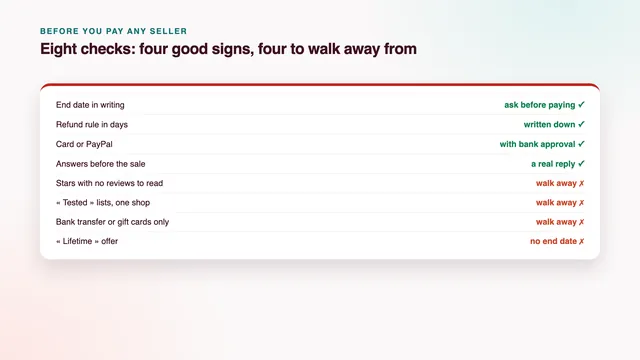
The other three, how fast the login arrives, the money-back window and the help hours, are about us rather than the app. All eight, with the fact behind each, sit on our scorecard of what the best IPTV has to pass.
Look-alike apps and stray files to leave alone
Popular players attract copies. A search for a well-known name can turn up apps with nearly the same icon and title from another developer, some crammed with adverts, some asking for your contacts or microphone, which a video player has no reason to want. Read the developer line before you press install: the Smarters Pro listing should name Tech Smarters Private Limited.
Loose files are the bigger risk. APK files shared on forums and in video comments can carry malware, and they never update themselves. Install from the device’s own store whenever you can; on Fire TV, use only the link that arrives with your own login message.
Unsure which result in the store is the right one? Send a photo of the screen through the contact page and the team will point to it, at any hour.
Once the player is picked, the plan is the easy part. All four Verdict plans carry the same channels, library and guide and differ only in months and screens: Verdict 12 is €49 for 12 months, about 13 cent a day. Compare them on the four Verdict plans, or read the plans page with the cost per month and the end dates.
Frequently asked questions
Is there one best IPTV app for every device?
No single player runs everywhere. Smarters Pro covers the most screens, yet Samsung and LG sets often need Smart IPTV or IBO Player, and TiviMate stays on Android TV, Google TV and Fire TV. Choose per screen: the login is the same in all of them.
Does a player app cost money?
Usually not. Smarters Pro, TiviMate, VLC and Kodi install for free, and the first two sell optional extras. Smart IPTV and IBO Player charge an activation set by their makers, and that money goes to them, not to us.
Does the app include the channels?
No. Every player here stays empty until you type the login from your message, and then the 40,000+ live channels, the 120,000-strong film and series library and the guide load into it. An app that claims channels of its own is selling something else.
Can I use two different apps with the same login?
Yes, on different devices, as long as only one plays at a time on Verdict 3, Verdict 12 or Verdict 24. For two TVs playing together, choose Verdict 12 Duo at €79 for 12 months.
Which app shows 4K?
Any of the TV players, provided three conditions hold together: the channel or film was made in 4K, the device has hardware HEVC decoding, and that screen gets roughly 25 Mb/s without dips. An older laptop running VLC may stutter where a 4K stick plays smoothly.
The guide is an hour out: what now?
The guide is sent on Irish time, which means GMT in winter and IST through the summer months, from late March to late October. If a player shows programmes sixty minutes early or late, move its EPG time offset by one hour and refresh the guide. On 6 November 2026, when this guide was checked, Ireland was on GMT.