See plans

Guides

Best IPTV guides: apps, TVs, choosing and how it plays

Ten buyer’s guides, written for homes in Ireland and sorted by the moment you need them: before choosing a device, before paying a seller, or on the evening the picture misbehaves. Each one answers a single question in plain steps and tables, and all ten were checked on 6 November 2026.

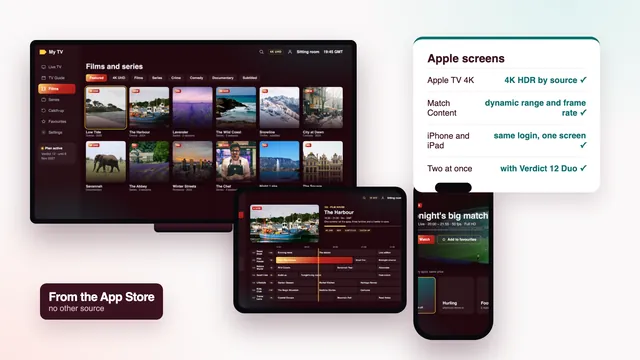
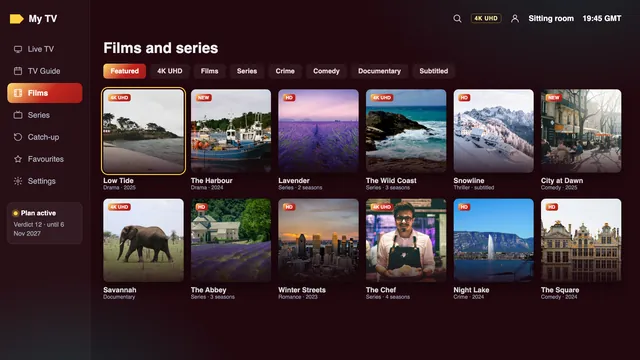
Film and series library of an IPTV player, with a row of titles in 4K

Apps and devices

Apps and devices: the player, the stick and the box

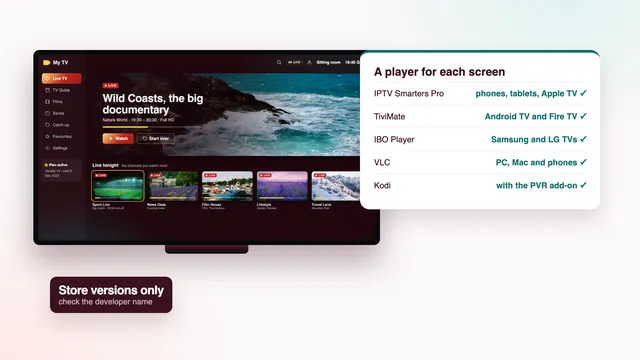
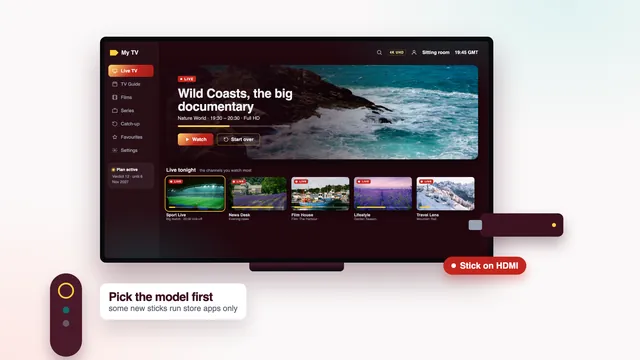
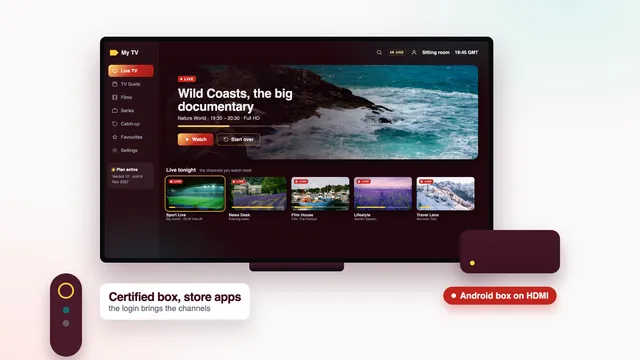
Start here if you are not sure what to install. The app guide sets the players side by side, the Firestick guide follows Amazon’s sticks from the model to the remote, and the box guide weighs what a box brings against a TV app and where it stops helping.

Choosing

Choosing: a seller, and a plan for sport

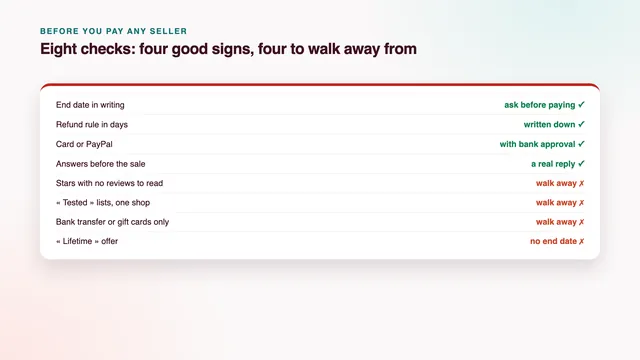
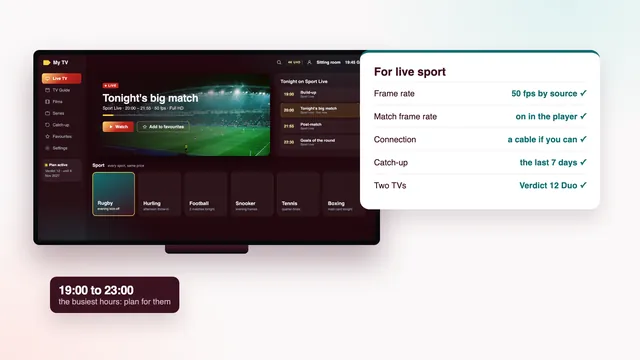
Before any card comes out. The provider guide turns the eight checks into questions for any seller, ours included; the sport guide shows which checks weigh most on a match day.

How it plays

How it plays: buffering and M3U links

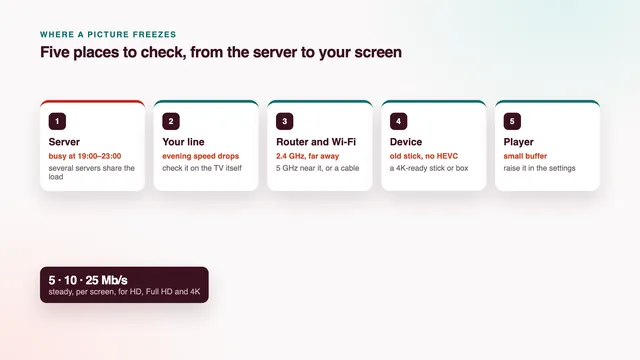
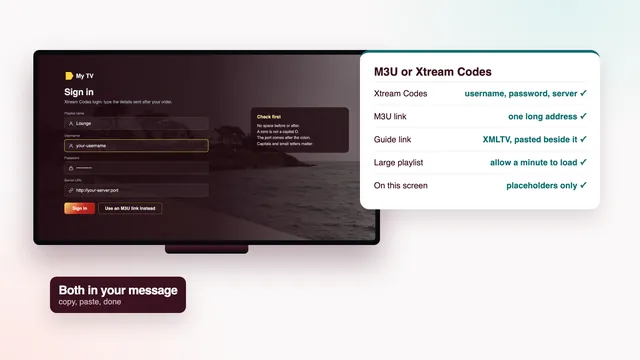
For the evening a picture pauses, or a player asks for a link you have not seen before. One guide follows the stream from the server to your screen; the other explains the M3U and guide links in your login message.

Scorecard

Using the guides with the eight checks

Each check of the scorecard, and where to read more
CheckGuides that help you run it
1Picture on your lineBest IPTV with no buffering, Best IPTV box, Best IPTV for sport
2Programme guideBest IPTV M3U, Best IPTV app
3Catch-upBest IPTV for sport, Best IPTV app
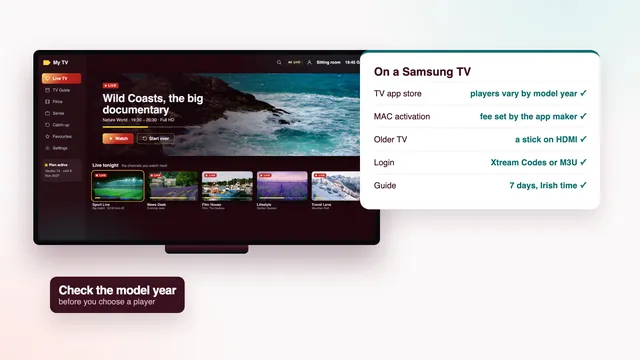
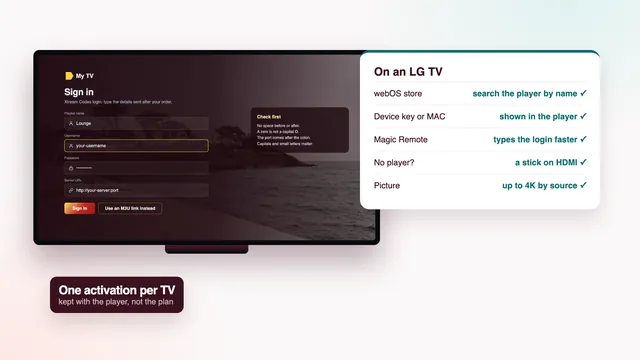
4Your screensBest IPTV for Firestick, Best IPTV for Samsung TV, Best IPTV for LG TV, Best IPTV for Apple TV
5Login arrivesBest IPTV provider, Best IPTV M3U
6Two TVs at onceBest IPTV for sport, Best IPTV provider
7Money backBest IPTV provider
8HelpBest IPTV provider

The eight checks are the backbone of this site: each one is a question to put to a seller and then to verify at home. The eight checks for choosing the best IPTV are explained on the home page; the guides above are where each one gets its detail. Read the seller checks before paying anyone, then the guide for your screen once the login is on your phone.

Already ordered? The setup page takes one screen at a time from login to first channel. Still choosing? The plans page shows how the checks fall across the four Verdict plans, with the price per day and the end date of each.

Plan names, prices and dates in every guide are read from the live plan list, so the numbers agree from page to page. Menus are named as they appear on screen at the time of writing; app stores and device menus do change, so trust what your own screen shows if a label differs.

Know what to check? Pick the months

Every Verdict plan is a single euro payment for three, twelve or twenty-four months, and its login comes through roughly 2 minutes after you pay. Should every screen in the house stay blank despite the team’s help, the 7-day refund rule applies.